Bakery#05Free
Stencil
For icing & airbrush
A thin sheet with your drawing cut out, for decorating with an airbrush, icing or sugar.
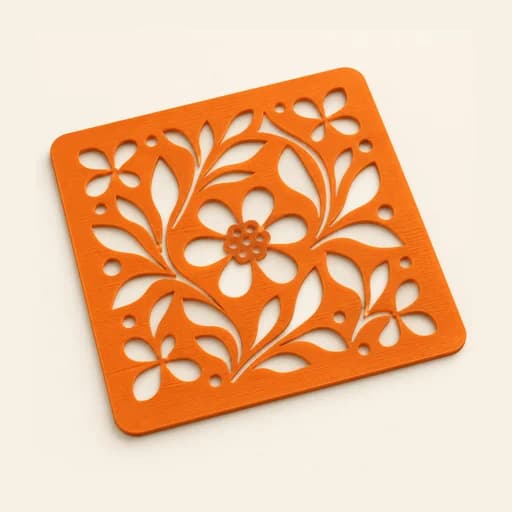
Step by step
How it works
Step by step, to the finished piece
Upload your drawing or logo, ideally in black and white.
Adjust the sheet size, the margin and the corner holes.
Download the STL and print it flat on the bed.
Lay the sheet on the cookie and apply airbrush colour, icing or powdered sugar.
What to watch out for
- Bridges hold the loose parts in place: without them, the centre of a letter would fall out. With “Hand-placed bridges” you add your own wherever you like.
- Keep the sheet pressed flat against the surface so the edges come out clean.
What you need
Materials and tools
- A filament (FDM) 3D printer
- PETG filament, the one recommended for food contact
- An airbrush, royal icing, powdered sugar or cocoa
- Cookies or a cake with a smooth, dry surface
Bakery: other tools
 Cutter
 Cutter + Stamp
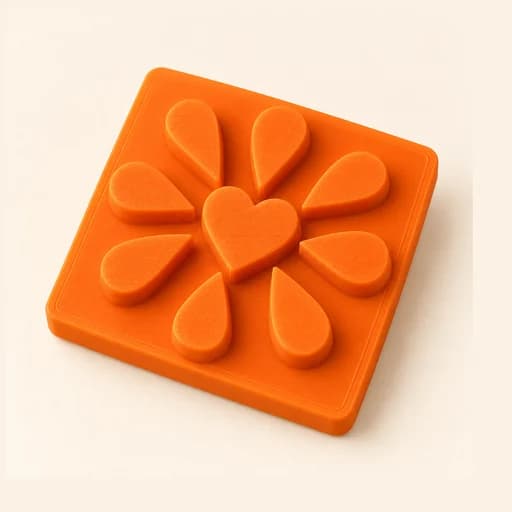 Embosser
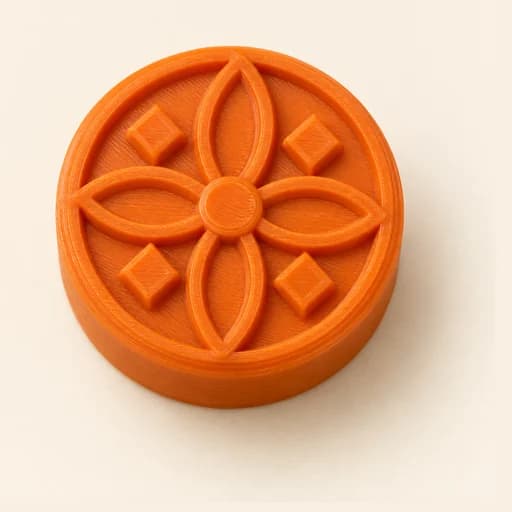 Stamp
Stamp Cake Topper
 Word Mold
 Sandwich
 EjectorPro
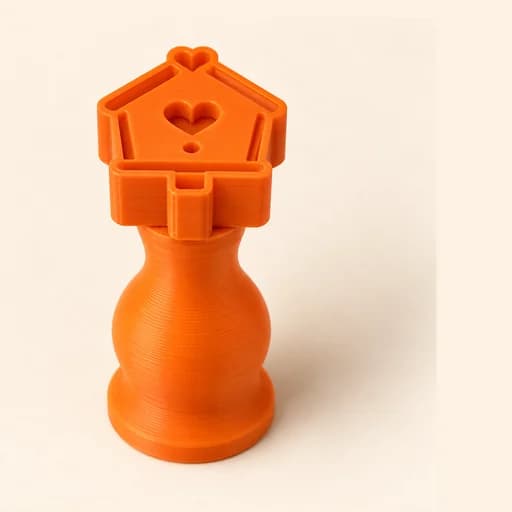 Truffle MoldPro
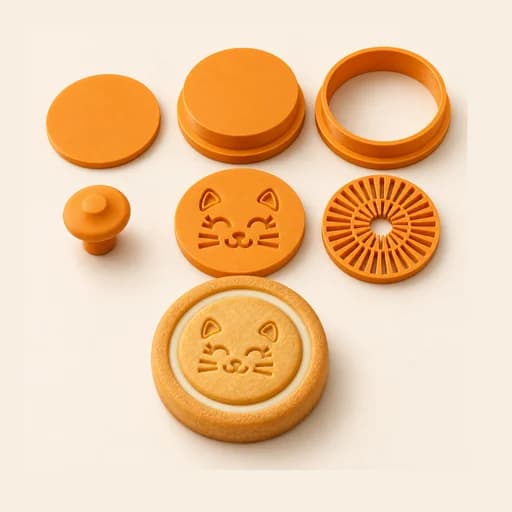 Filled KitPro
 Size setPro
 Cake Pop MoldPro
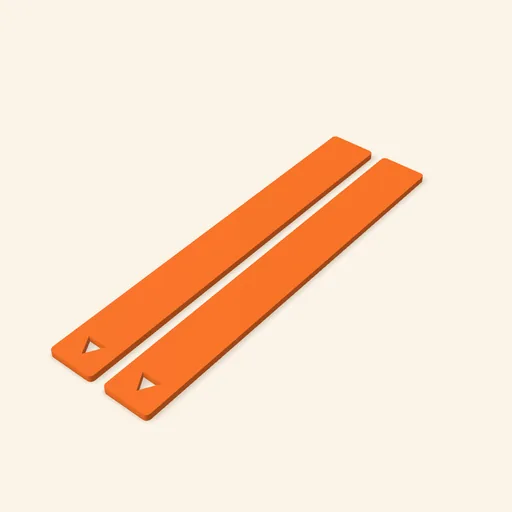 Dough thickness stripsPro
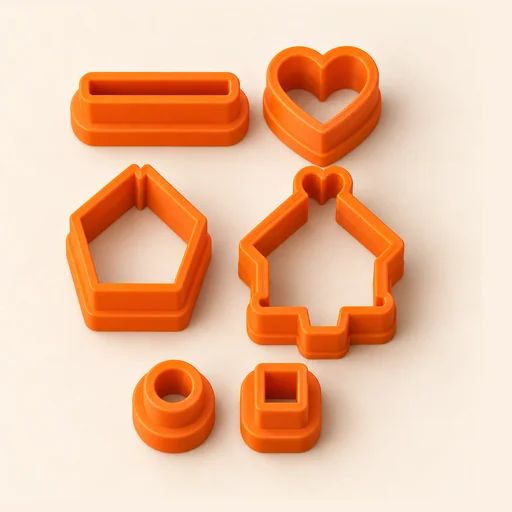 Multi-pieceStudio
 Multi-cutterStudio
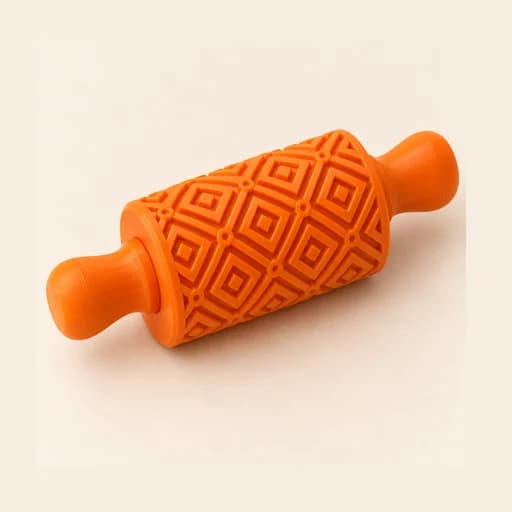 Texture RollerStudio
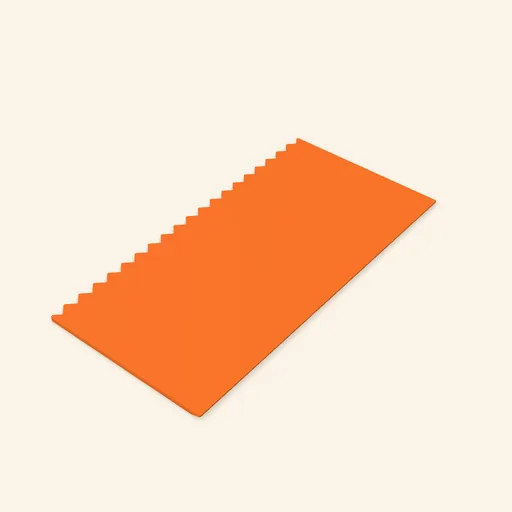 Cake scraperStudio
Stencil
A thin sheet with your drawing cut out, for decorating with an airbrush, icing or sugar.
Open in the designer