Bakery#07Free
Word Mold
Text & letter molds
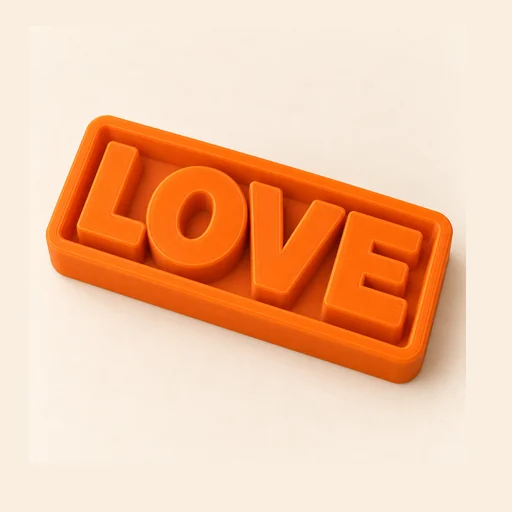
A cutter shaped like your word that also imprints each letter into the dough.
Step by step
How it works
Step by step, to the finished piece
Type the word or the name.
Choose the font and the letter height.
Download the STL and print it without supports.
Press it into the dough: it cuts the outline of the word and imprints every letter.
What to watch out for
- Bold, rounded fonts work better than thin-stroke ones.
- A long word makes a fragile cookie: use short names or increase the letter height.
What you need
Materials and tools
- A filament (FDM) 3D printer
- PETG filament, the one recommended for food contact
- Cookie dough or fondant, rolled out and chilled
- A rolling pin and a little flour so it doesn't stick
Bakery: other tools
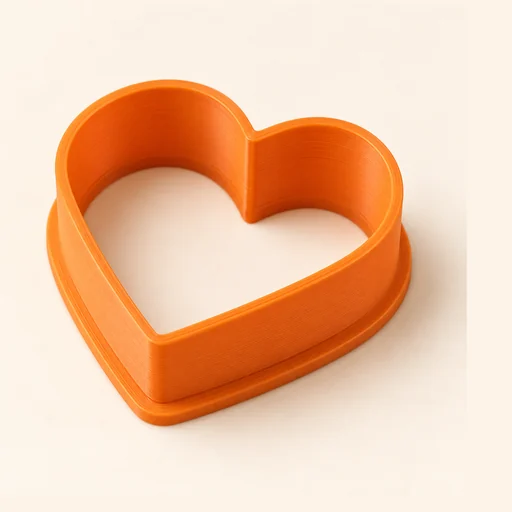 Cutter
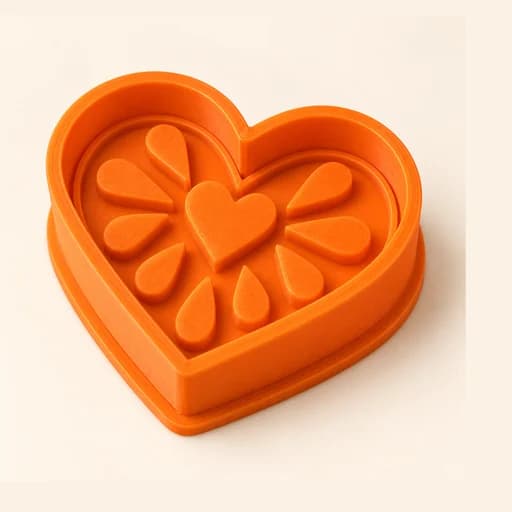 Cutter + Stamp
 Embosser
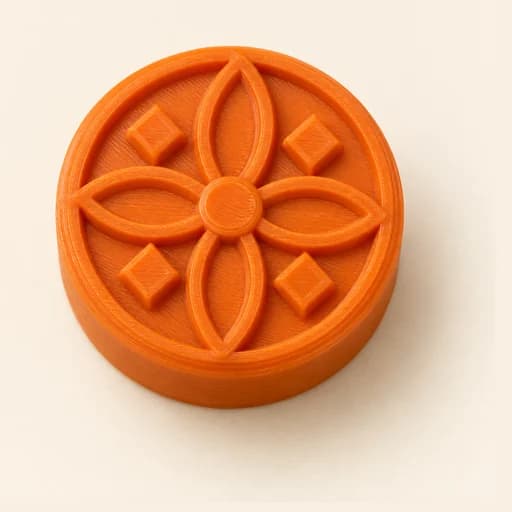 Stamp
Stamp Stencil
 Cake Topper
 Sandwich
 EjectorPro
 Truffle MoldPro
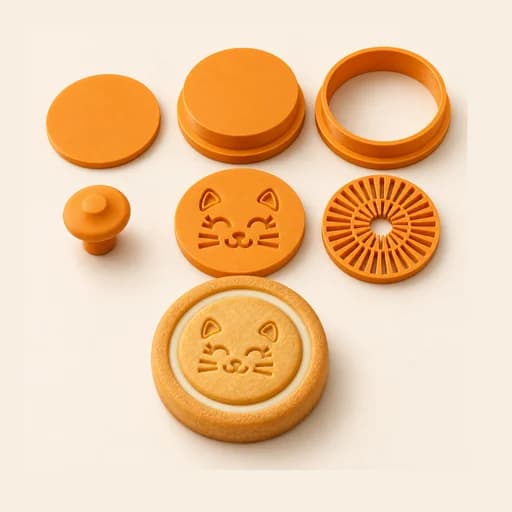 Filled KitPro
 Size setPro
 Cake Pop MoldPro
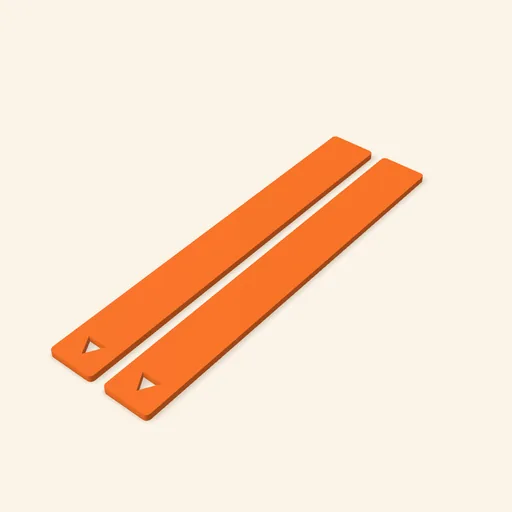 Dough thickness stripsPro
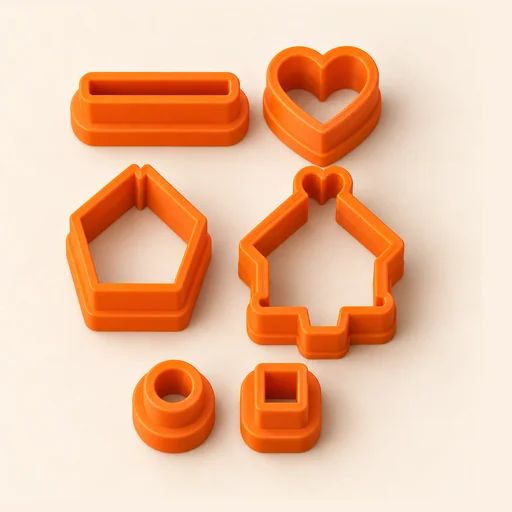 Multi-pieceStudio
 Multi-cutterStudio
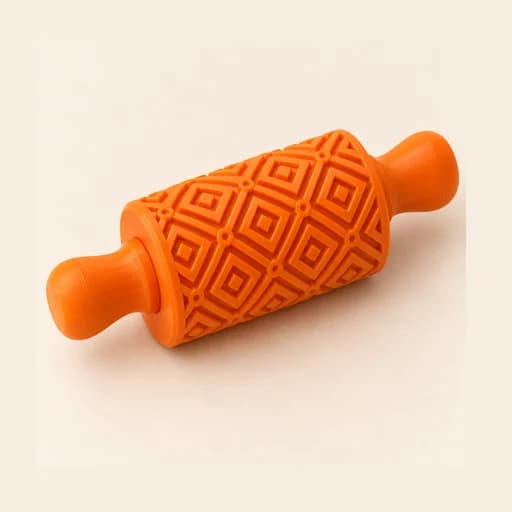 Texture RollerStudio
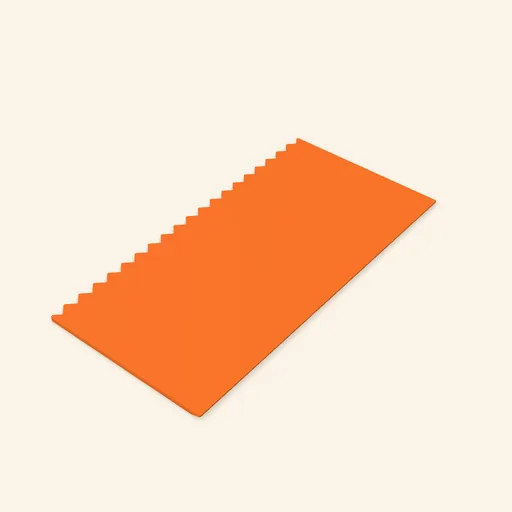 Cake scraperStudio
Word Mold
A cutter shaped like your word that also imprints each letter into the dough.
Open in the designer