Bakery#13Pro
Cake Pop Mold
Plunger cutter: cut the dough, push the knob and it comes out with the design pressed in.
A plunger cutter for cake pops and small cookies: it cuts the dough, the plunger presses the design and pushes the piece out.
Designing and previewing in 3D is free for every tool. A plan is only needed to download the ones marked Pro or Studio. See plans
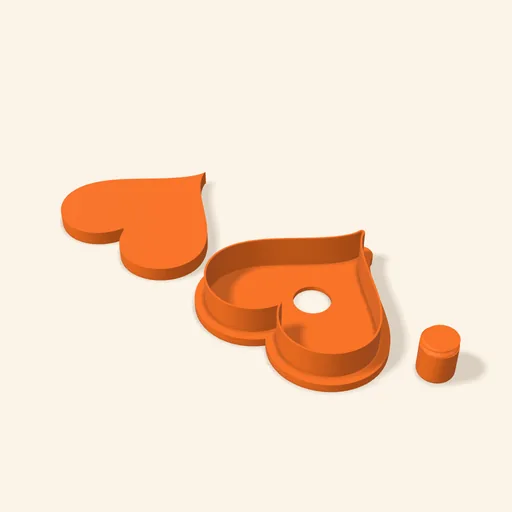
Step by step
How it works
Step by step, to the finished piece
Upload your design: the outline becomes the cutter and the lines are what the plunger presses.
Adjust the plunger relief, the back plate and, if you like, the press handles and the tray.
Print the cutter, the plunger and the knob separately, each resting on its flat side.
Screw the knob into the plunger through the hole, cut the dough and press to push the marked piece out.
What to watch out for
- Testing: it hasn't been printed or used with real dough yet. Print one first and check that the plunger slides smoothly.
- If the plunger rubs, raise "Plunger clearance" 0.1 mm at a time.
What you need
Materials and tools
- FDM 3D printer
- PETG or PLA filament
- Cake pop, cookie or fondant dough
- Cake pop sticks, if you use them
Bakery: other tools
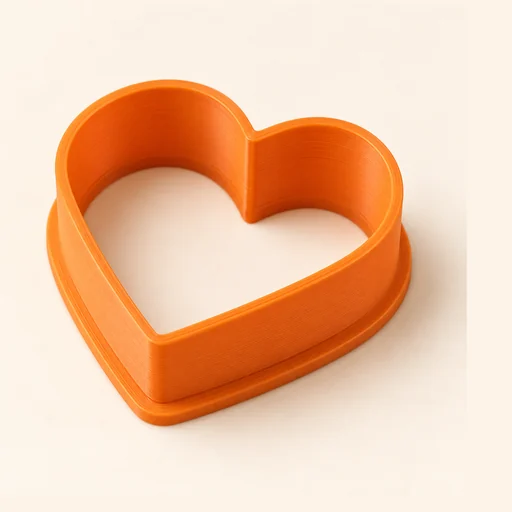 Cutter
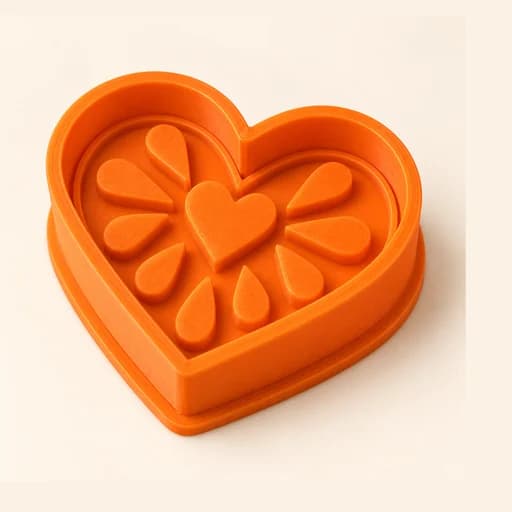 Cutter + Stamp
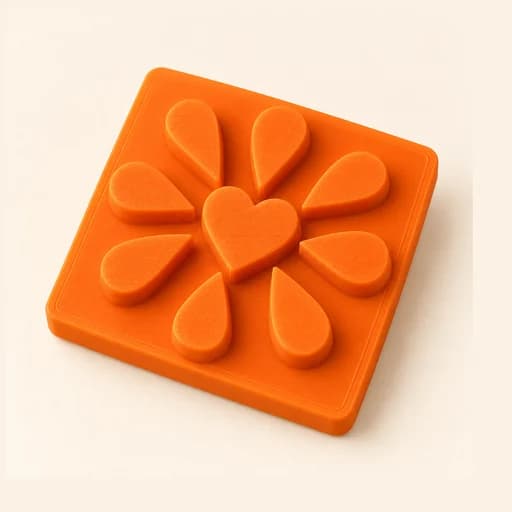 Embosser
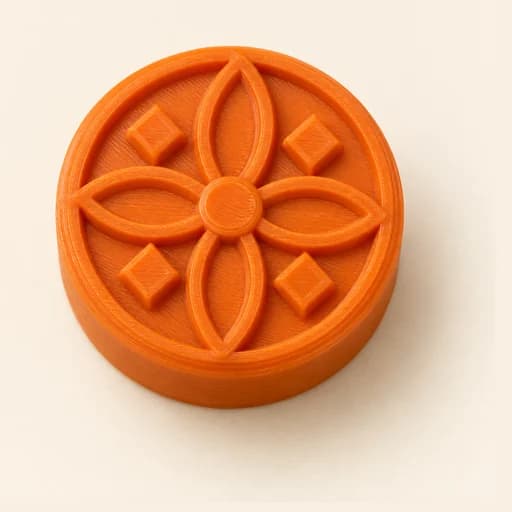 Stamp
Stamp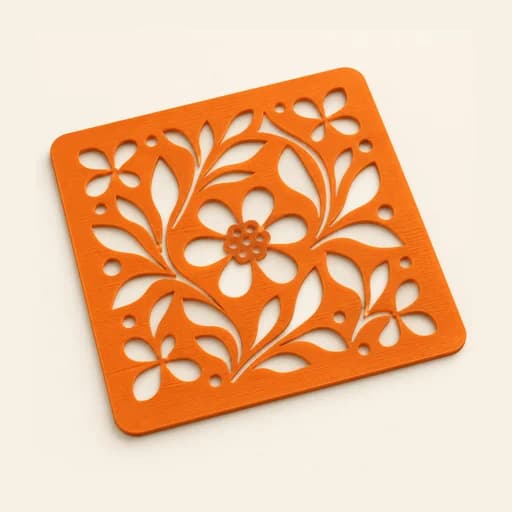 Stencil
 Cake Topper
 Word Mold
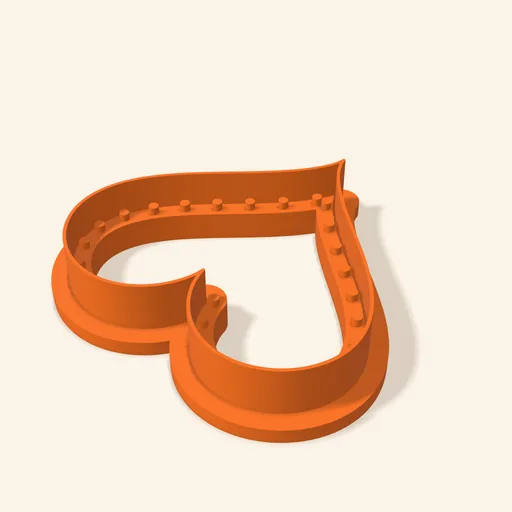 Sandwich
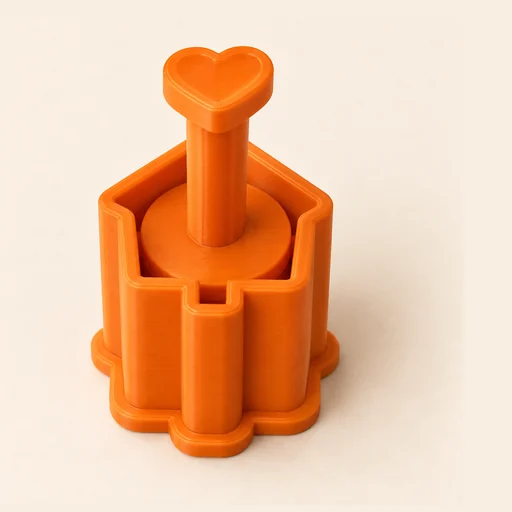 EjectorPro
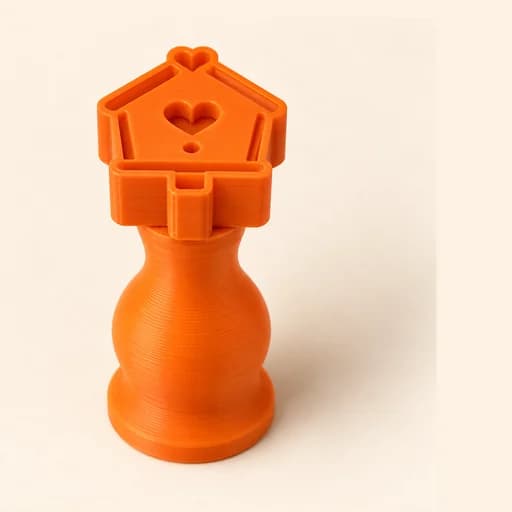 Truffle MoldPro
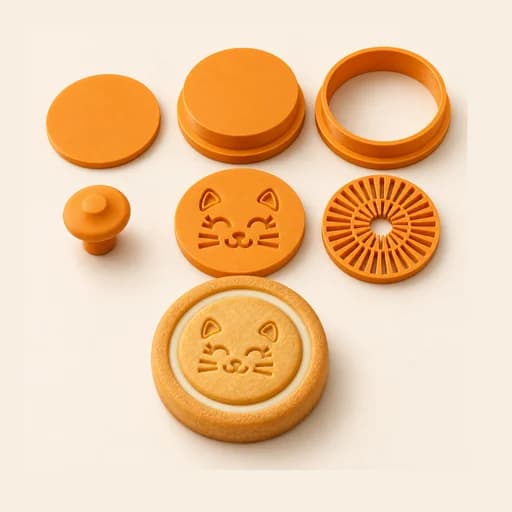 Filled KitPro
 Size setPro
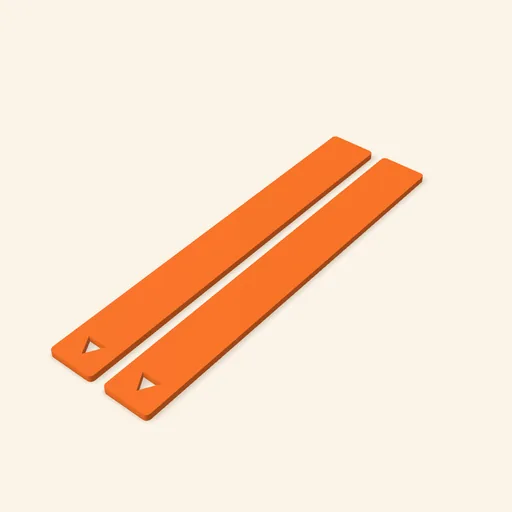 Dough thickness stripsPro
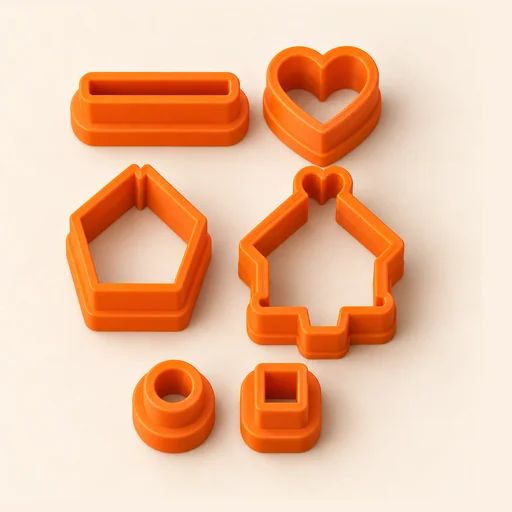 Multi-pieceStudio
 Multi-cutterStudio
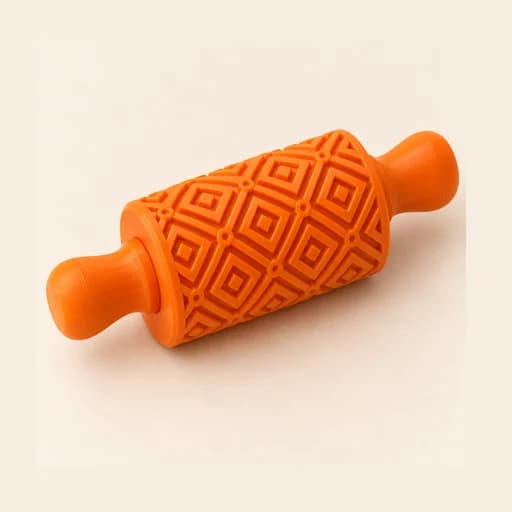 Texture RollerStudio
 Cake scraperStudio
Cake Pop Mold
A plunger cutter for cake pops and small cookies: it cuts the dough, the plunger presses the design and pushes the piece out.
Open in the designer