Bakery#03Free
Embosser
Cuts and imprints the lines
Cuts the cookie and presses the lines of your drawing into it, all in one go.
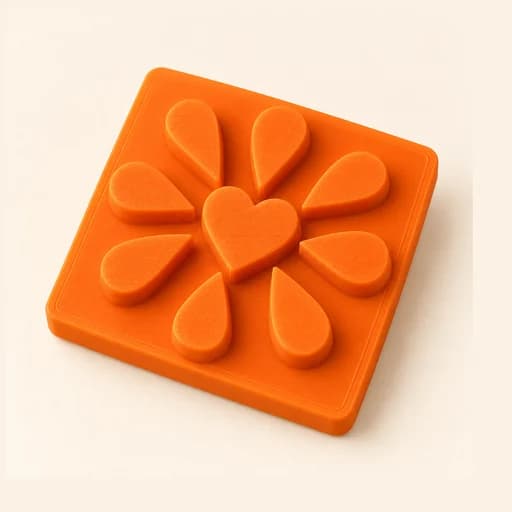
Step by step
How it works
Step by step, to the finished piece
Upload a line drawing: a logo, lettering or an illustration.
Adjust the size and the imprint depth.
Download the STL and print it with a fine layer height, no supports.
Press evenly into dough, fondant or clay, then lift straight up.
What to watch out for
- The outer blade cuts the cookie; the inner lines only mark it, because they sit 3 mm shorter than the blade.
- Strokes that sit too close together blur: leave some air between lines.
What you need
Materials and tools
- A filament (FDM) 3D printer
- PETG filament, the one recommended for food contact
- Dough, fondant, clay or soap to imprint
- Flour or cornstarch so it doesn't stick
Bakery: other tools
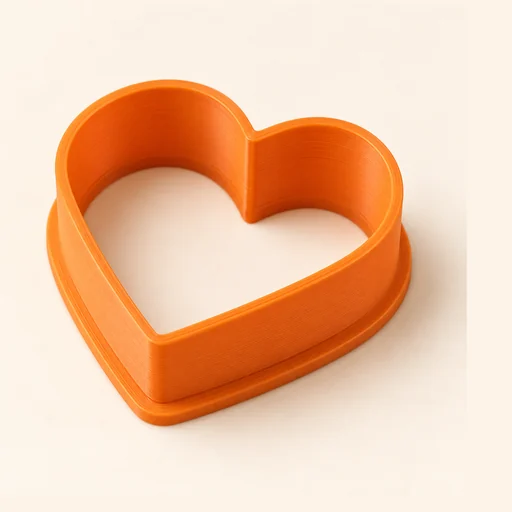 Cutter
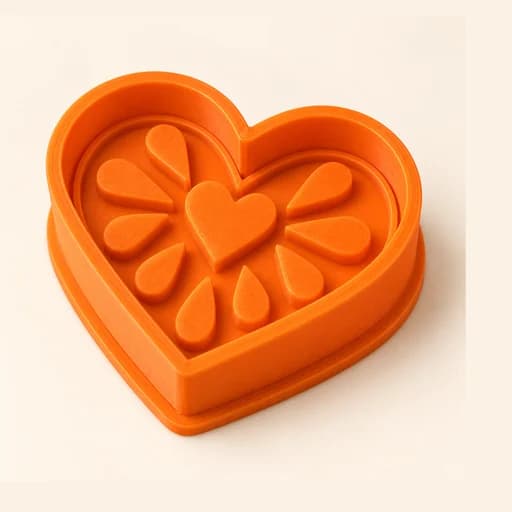 Cutter + Stamp
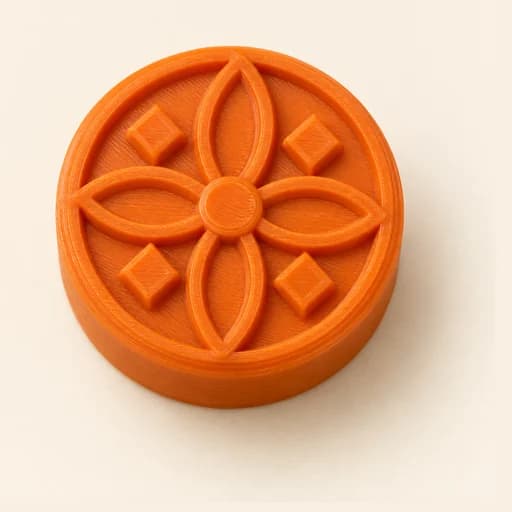 Stamp
Stamp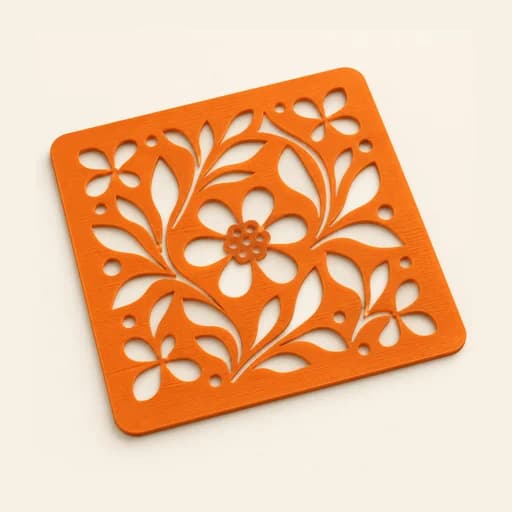 Stencil
 Cake Topper
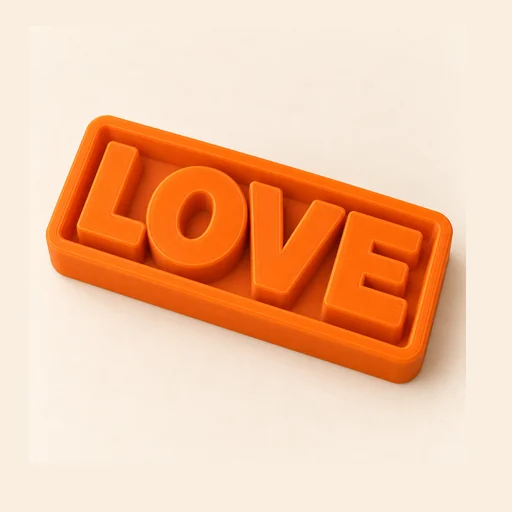 Word Mold
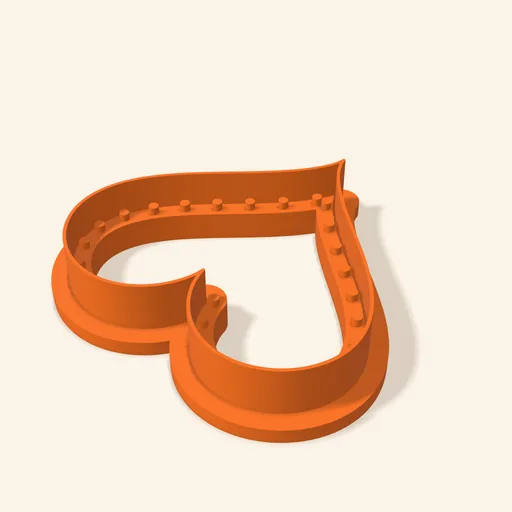 Sandwich
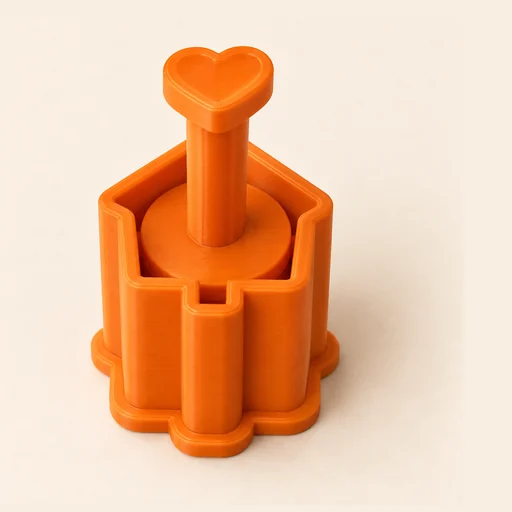 EjectorPro
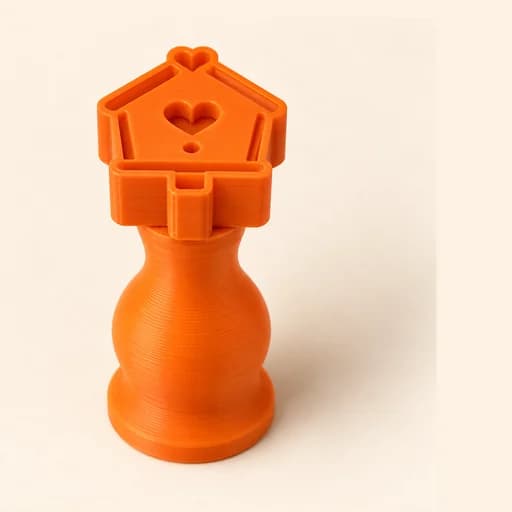 Truffle MoldPro
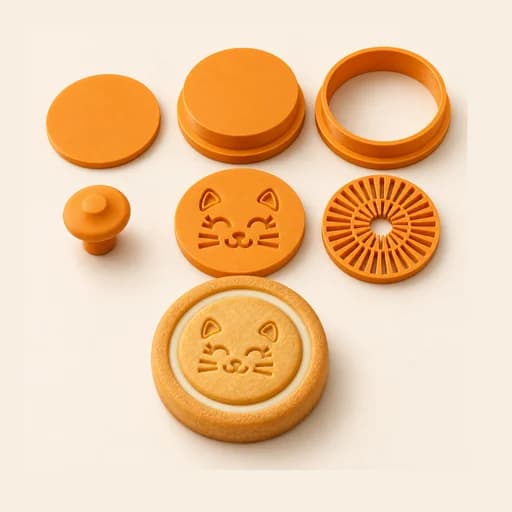 Filled KitPro
 Size setPro
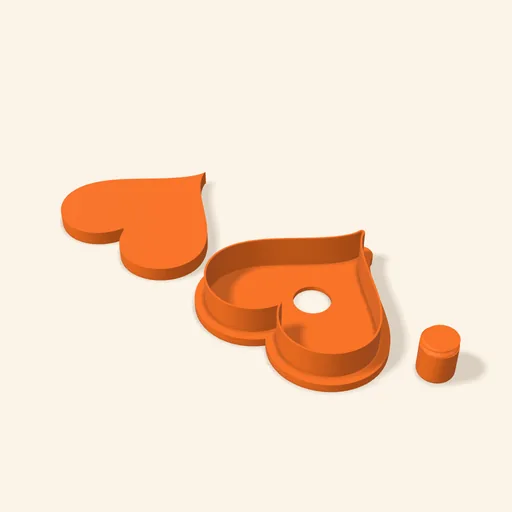 Cake Pop MoldPro
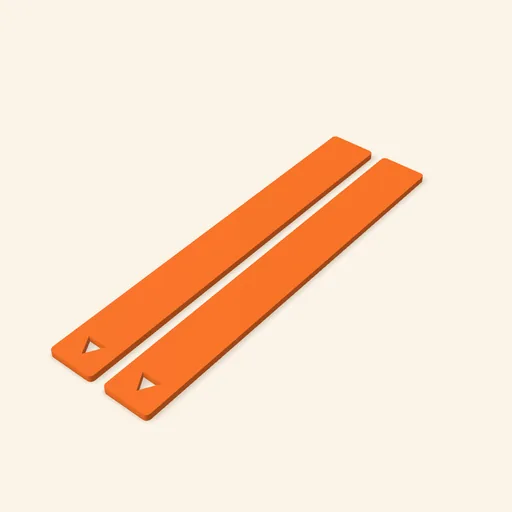 Dough thickness stripsPro
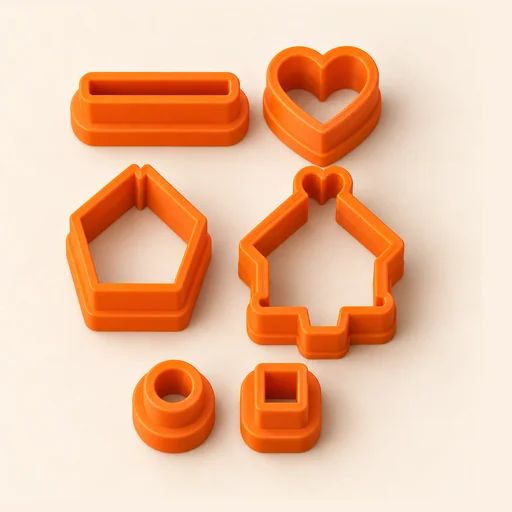 Multi-pieceStudio
 Multi-cutterStudio
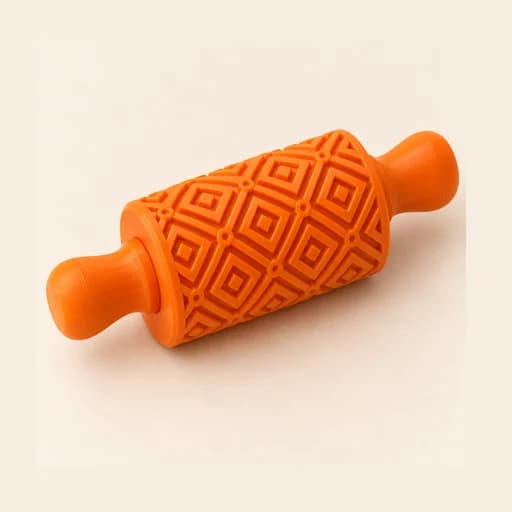 Texture RollerStudio
 Cake scraperStudio
Embosser
Cuts the cookie and presses the lines of your drawing into it, all in one go.
Open in the designer