Bakery#06Free
Cake Topper
Flat decorative piece
A flat decoration with your text or drawing to crown cakes and cupcakes.

Step by step
How it works
Step by step, to the finished piece
Type your text or upload a drawing; you can also combine both.
Choose the font, the size and the thickness.
Download the STL and print it flat, in any colour you like.
Push the stake into the cake right before serving.
What to watch out for
- Thin letters snap: use bold fonts and a thickness of at least 4 mm.
- Separate letters must touch each other or sit on a backing plate that joins them.
What you need
Materials and tools
- A filament (FDM) 3D printer
- PLA or PETG filament in any colour you like
- Rubbing alcohol to clean the piece before it goes on the cake
- Acrylic paint, if you want to decorate it (optional)
Bakery: other tools
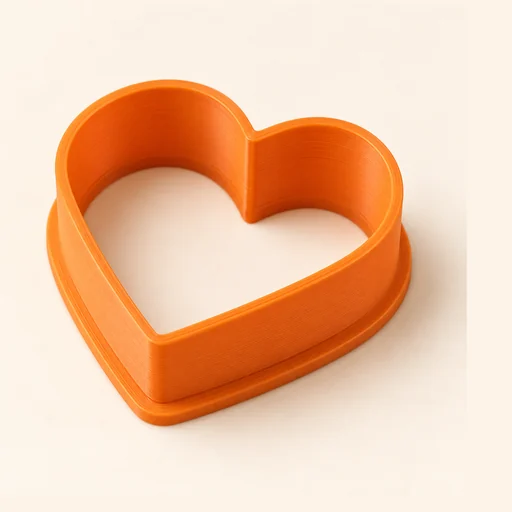 Cutter
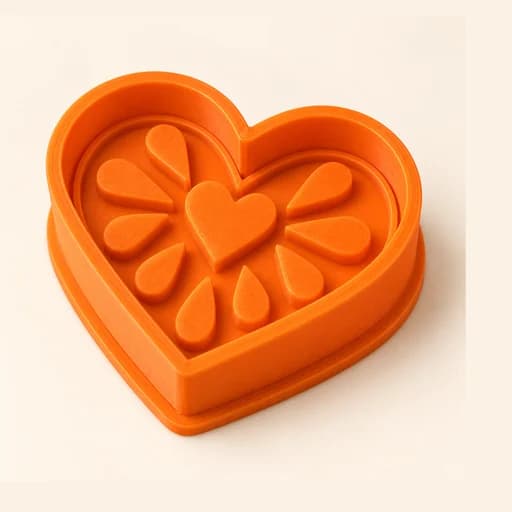 Cutter + Stamp
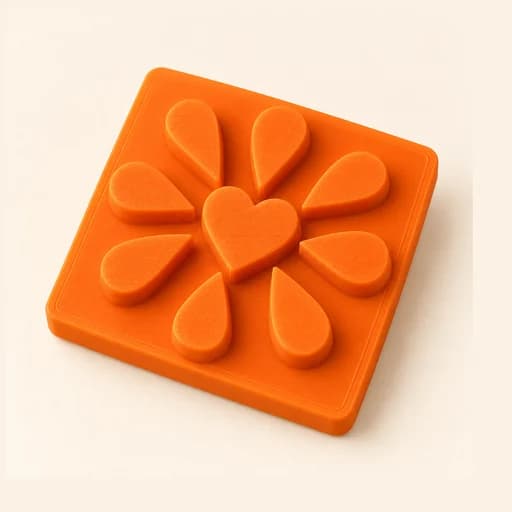 Embosser
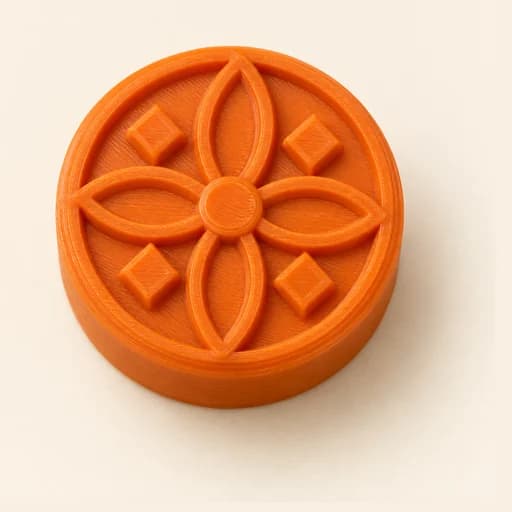 Stamp
Stamp Stencil
 Word Mold
 Sandwich
 EjectorPro
 Truffle MoldPro
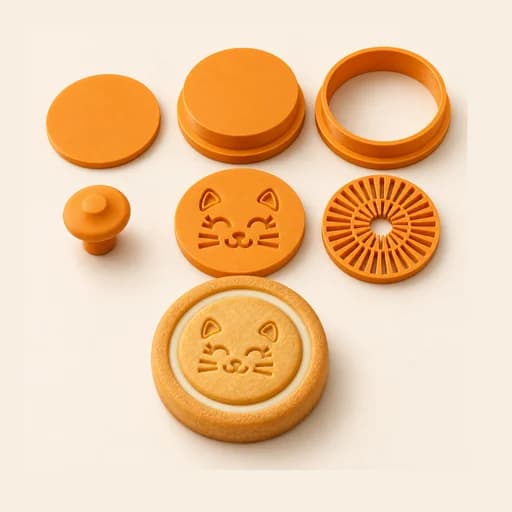 Filled KitPro
 Size setPro
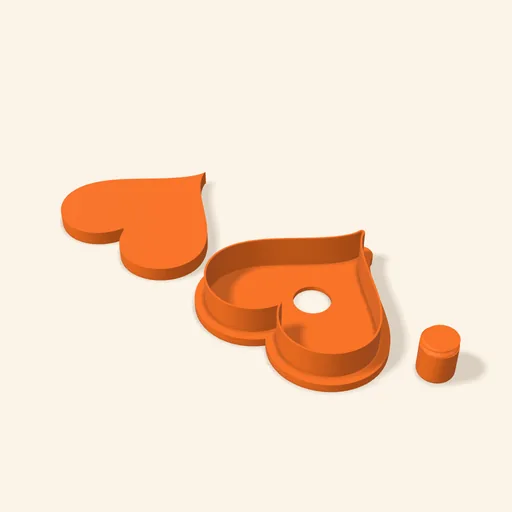 Cake Pop MoldPro
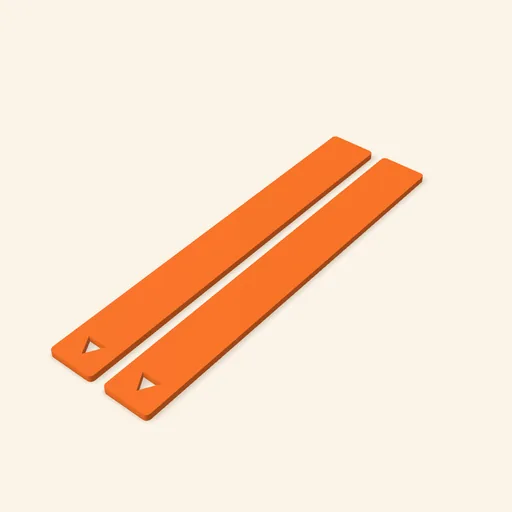 Dough thickness stripsPro
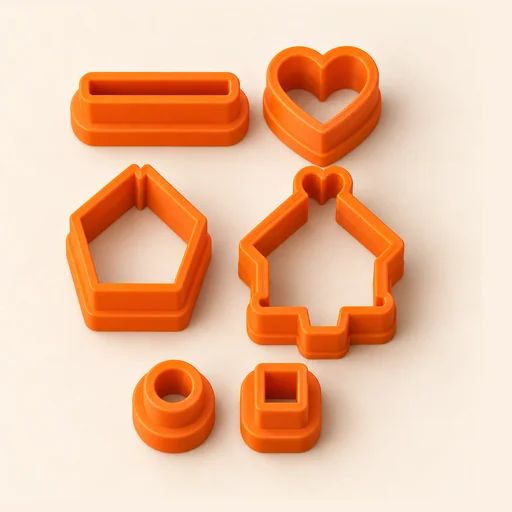 Multi-pieceStudio
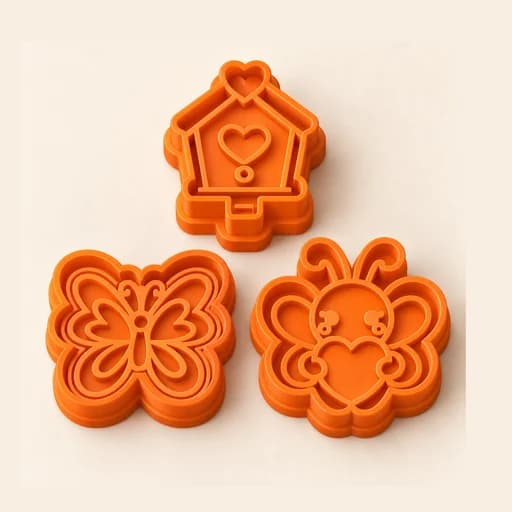 Multi-cutterStudio
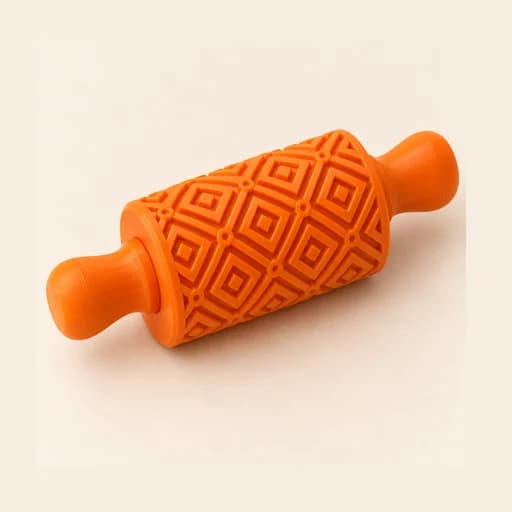 Texture RollerStudio
 Cake scraperStudio
Cake Topper
A flat decoration with your text or drawing to crown cakes and cupcakes.
Open in the designer