Bakery#01Free
Cutter
Outline cutter only
Turn any image into a sharp-edged cookie cutter, ready to print.
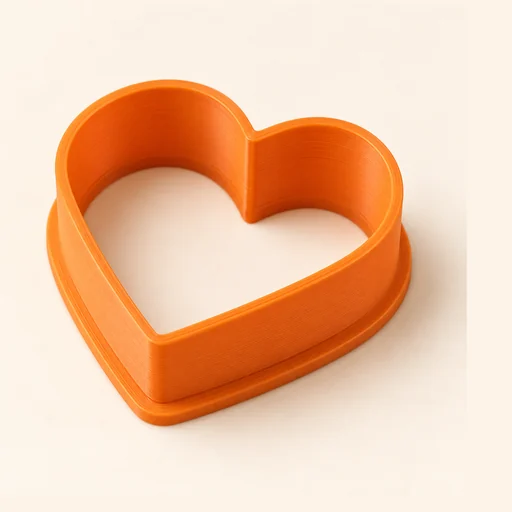
Step by step
How it works
Step by step, to the finished piece
Upload an image or a silhouette: a photo, PNG or SVG.
Adjust the size, the height and the wall thickness.
Download the STL and print it with the base flat on the bed, no supports.
Press it into chilled, rolled-out dough and lift the cutter straight up.
What to watch out for
- Simple, closed outlines cut best; very thin points break off in the dough.
- Wash it by hand in cold or lukewarm water: the dishwasher warps it.
What you need
Materials and tools
- A filament (FDM) 3D printer
- PETG filament, the one recommended for food contact
- Cookie dough or fondant, rolled out and chilled
- A rolling pin and a little flour so it doesn't stick
Bakery: other tools
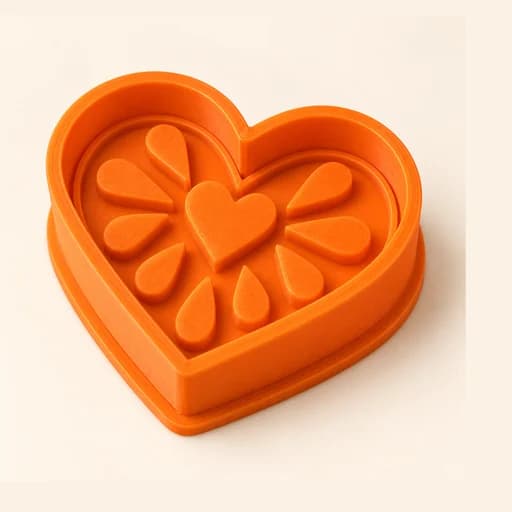 Cutter + Stamp
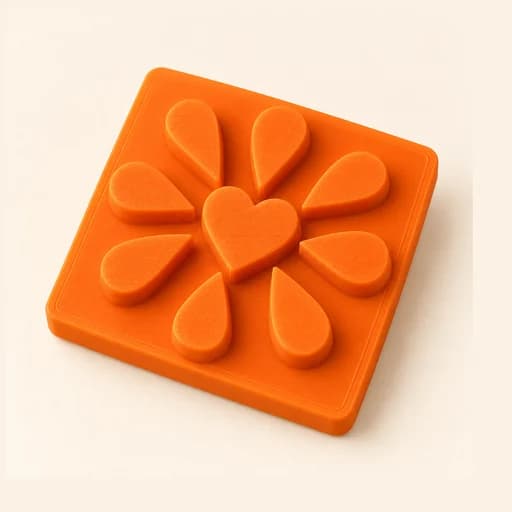 Embosser
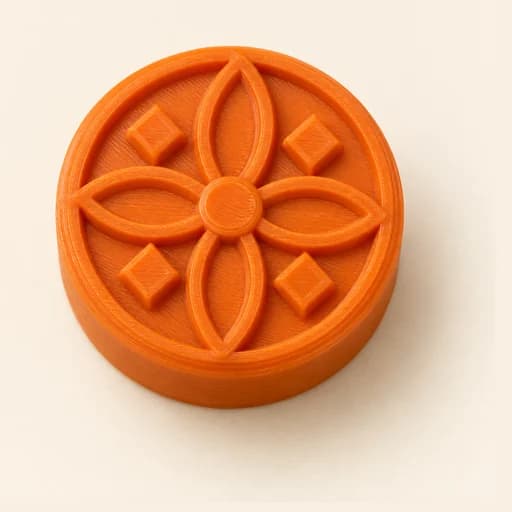 Stamp
Stamp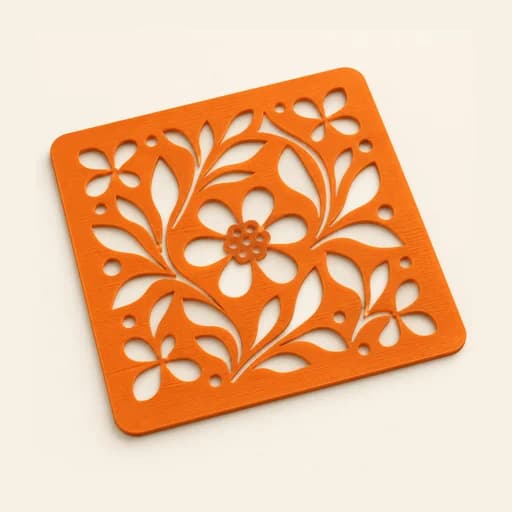 Stencil
 Cake Topper
 Word Mold
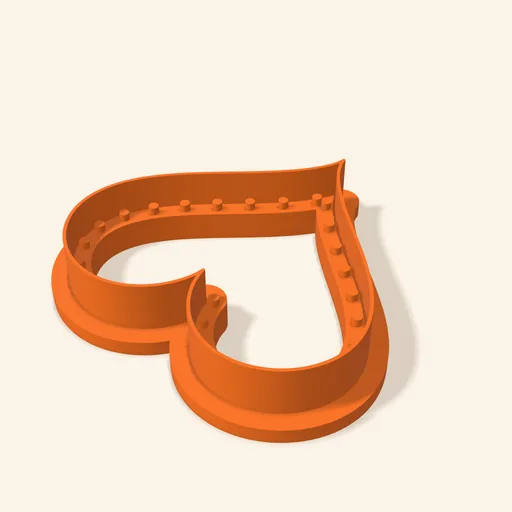 Sandwich
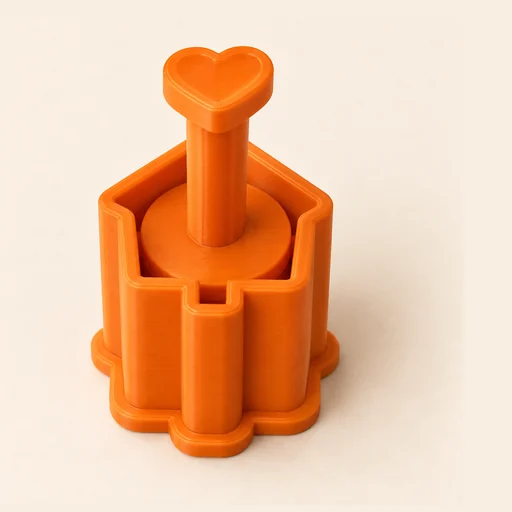 EjectorPro
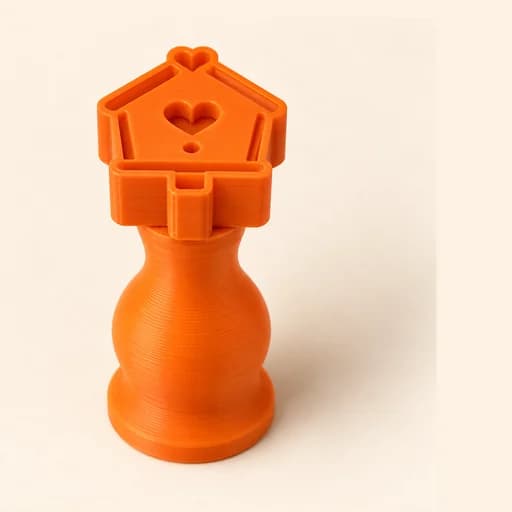 Truffle MoldPro
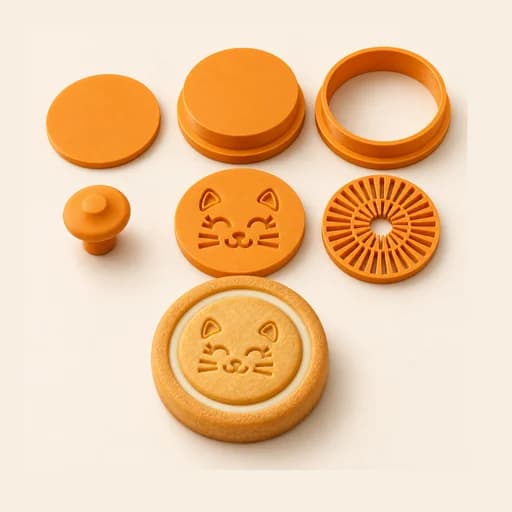 Filled KitPro
 Size setPro
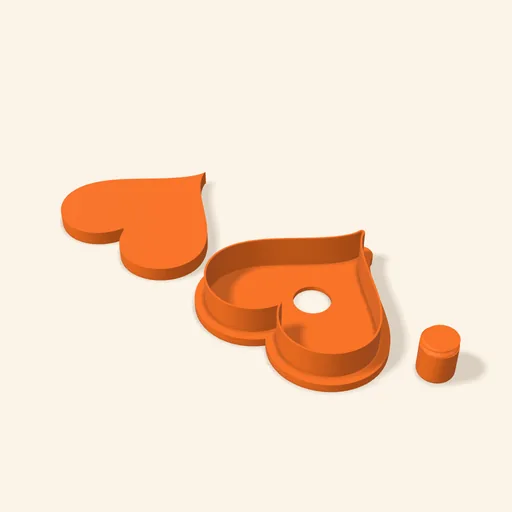 Cake Pop MoldPro
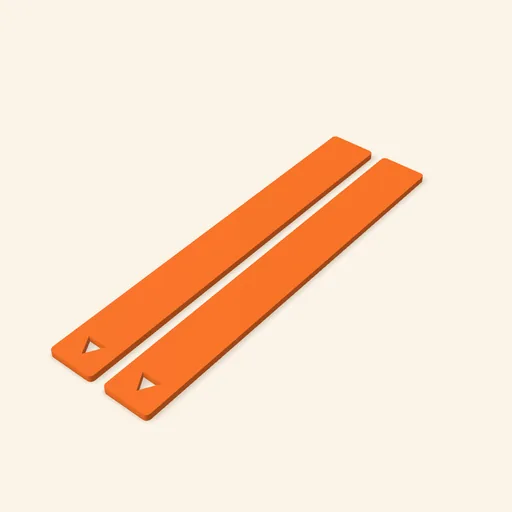 Dough thickness stripsPro
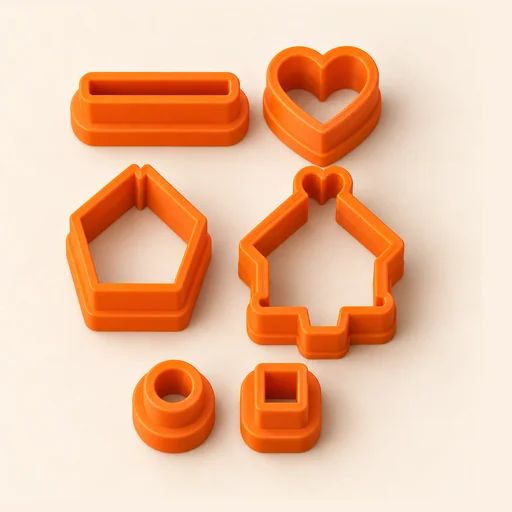 Multi-pieceStudio
 Multi-cutterStudio
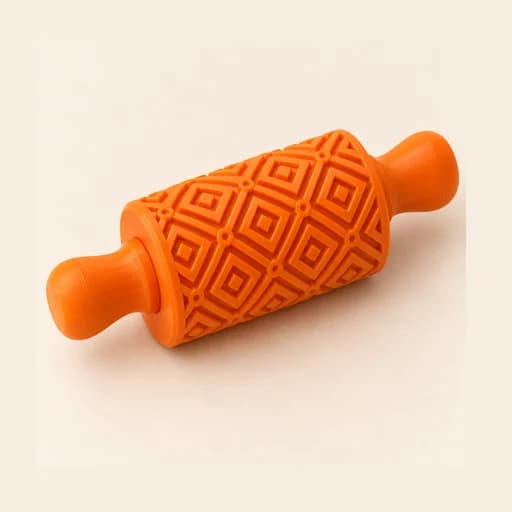 Texture RollerStudio
 Cake scraperStudio