Bakery#10Pro
Truffle Mold
Bonbon / chocolate
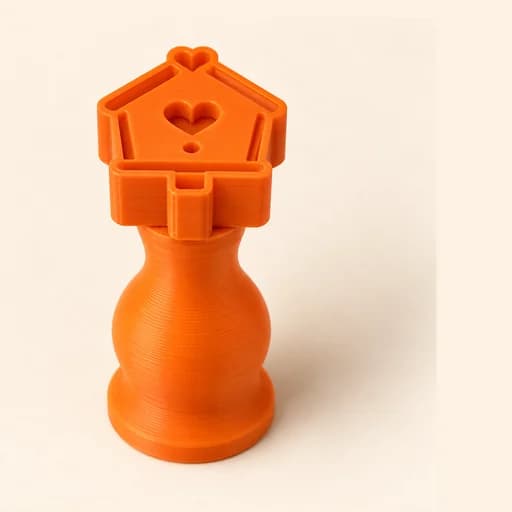
A small stamp with a handle for marking brigadeiros, bonbons and truffles.
Designing and previewing in 3D is free for every tool. A plan is only needed to download the ones marked Pro or Studio. See plans
Step by step
How it works
Step by step, to the finished piece
Upload a logo or a simple drawing.
Match the diameter to the size of your bonbon and set the relief height.
Download the STL and print it with a fine layer height.
Press gently onto the brigadeiro once it has been rolled.
What to watch out for
- Little detail fits in 2 or 3 cm: use simple drawings with bold strokes.
- Wipe the stamp between one bonbon and the next so the relief doesn't clog.
What you need
Materials and tools
- A filament (FDM) 3D printer
- PETG filament, the one recommended for food contact
- Brigadeiros, truffles or bonbons, already shaped
- Cocoa powder so the stamp doesn't stick
Bakery: other tools
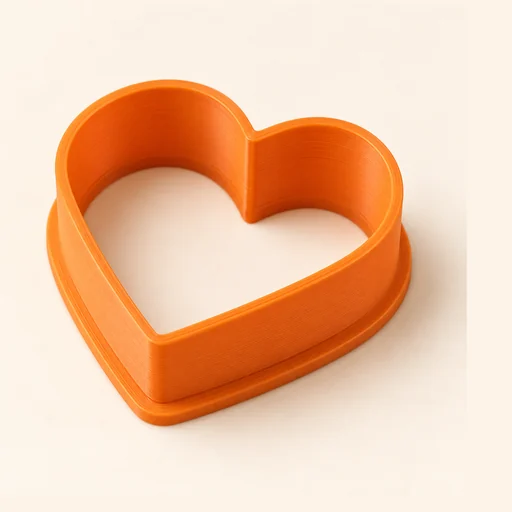 Cutter
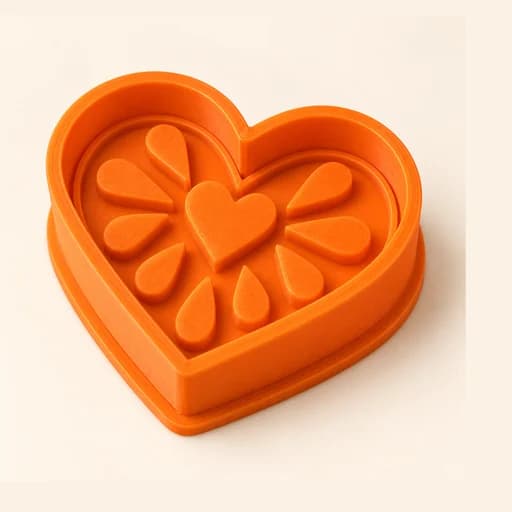 Cutter + Stamp
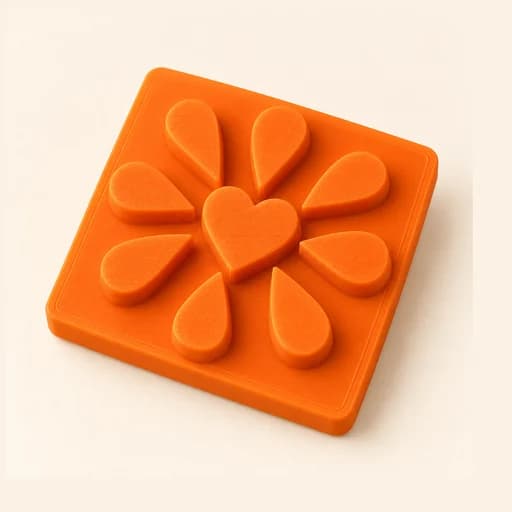 Embosser
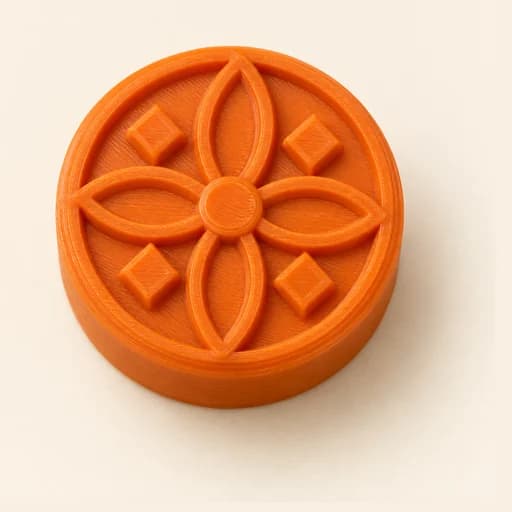 Stamp
Stamp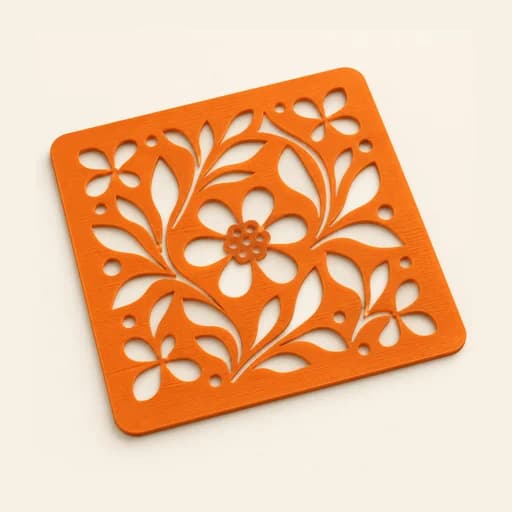 Stencil
 Cake Topper
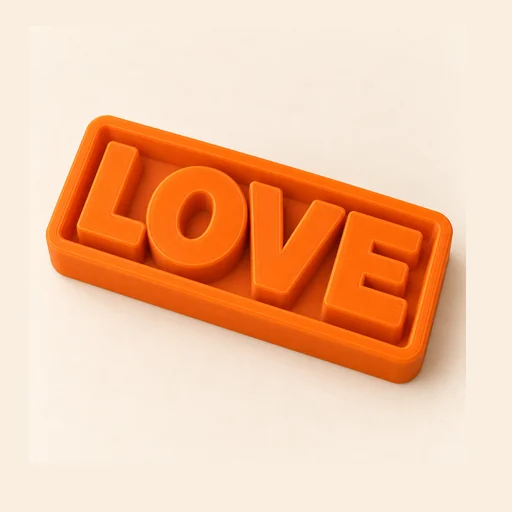 Word Mold
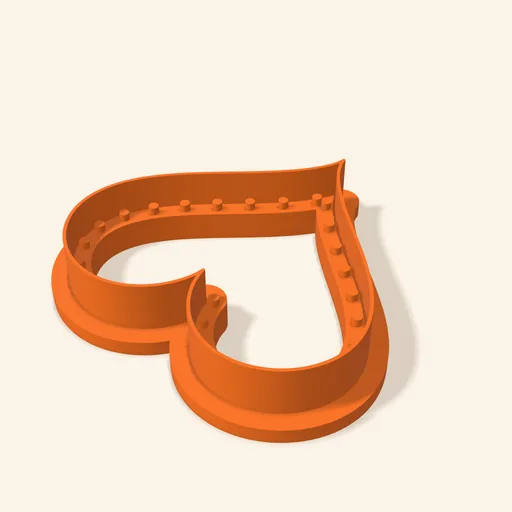 Sandwich
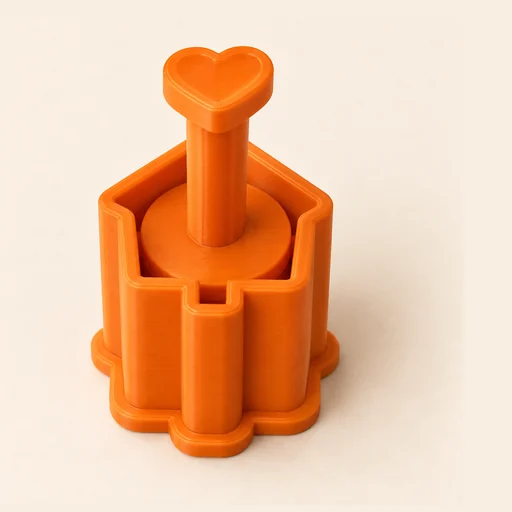 EjectorPro
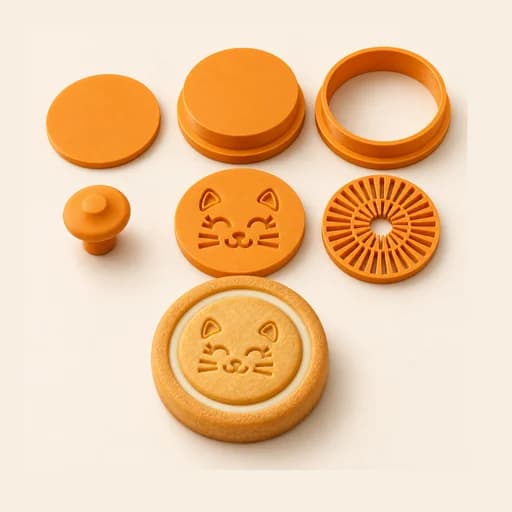 Filled KitPro
 Size setPro
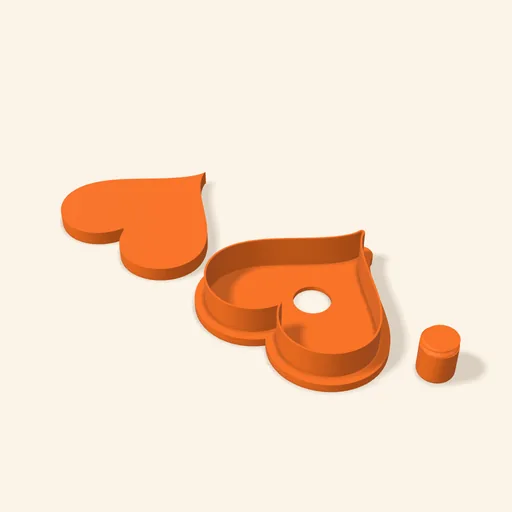 Cake Pop MoldPro
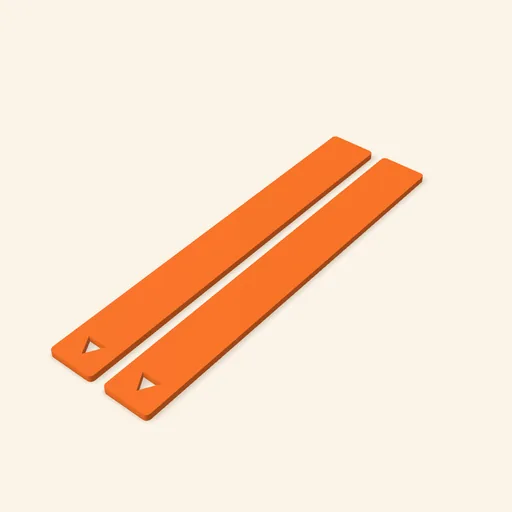 Dough thickness stripsPro
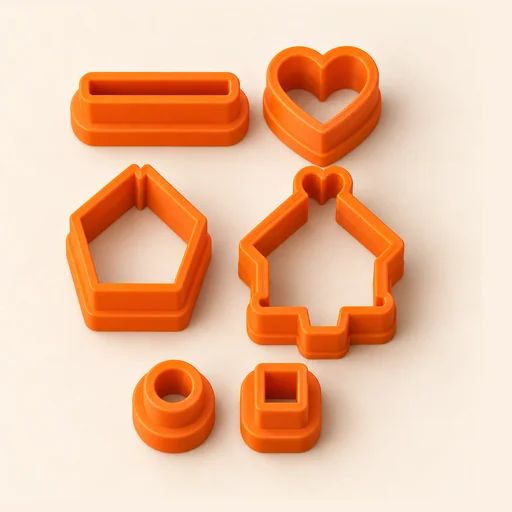 Multi-pieceStudio
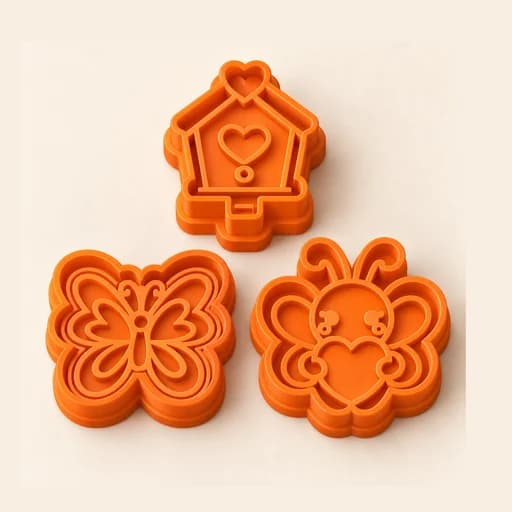 Multi-cutterStudio
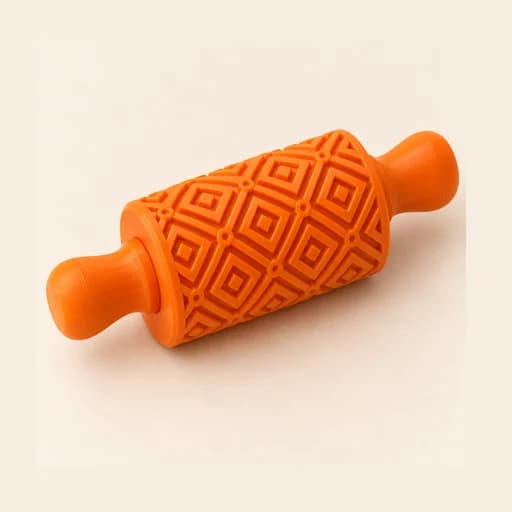 Texture RollerStudio
 Cake scraperStudio
Truffle Mold
A small stamp with a handle for marking brigadeiros, bonbons and truffles.
Open in the designer